Client Interface
Visual upgrades of the game client
Client Interface
Character Status
We have added icons for Premium Rune and Vote Reward. If your character has these items in their inventory, the character status will be updated to show them.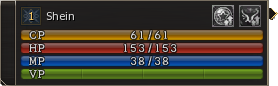
Party
The party interface has been completely reworked. It now displays a modern style that shows information such as class, vitality, level and noblesse status. It also shows a yellow border on the selected party member. There is also a grey overlay for a party member who is currently dead in the game.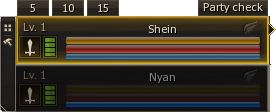
Party - Ready Check
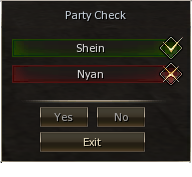
The Party Leader can use special buttons for the Party - Ready Check. Clicking Party Check will start a ready check for the whole party. The Ready Check interface will appear and members will have several seconds to respond with the Yes or No buttons. If they do not choose a button, they will automatically be set as failed.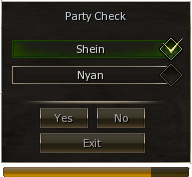
Party - Countdown
The Party Leader can also use the special buttons 5, 10, 15, which will start a countdown for the whole party when clicked. From 5 seconds, it will also play voice sounds to prepare you for the start.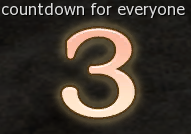
Target
The client target window will now provide more information about the target. Players can see the target character's class as well as their live or dead status. Upon targeting a monster, it will provide access to the drop calculator and show information about the monster's level and its live or dead status.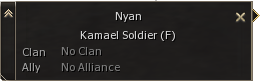
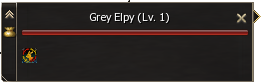
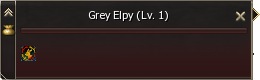
Buffs slot
The buff slot tooltip interface has been improved with a hover effect showing skill icons and better visibility of buff time.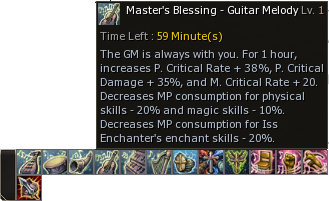
Skillbar
Players can show up to five bars for skill slots on their client interface. It will help you set up more skills, macros or items in the slots.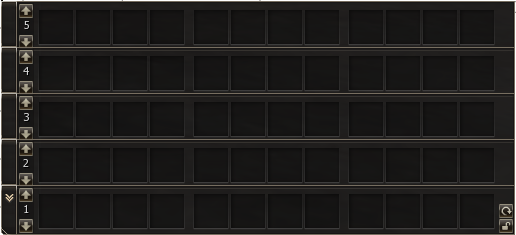
Play Report
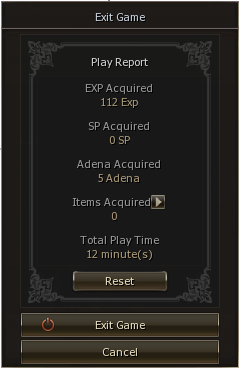
Information about the player's progress has been added upon restart or exit of the game client. It will show the acquired XP, SP, Adena, items and character play time of the current session.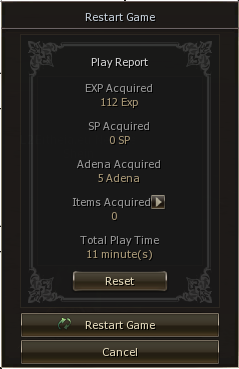
Warehouse Search
Players will now be able to search through their private warehouse or clan warehouse via the search box function in the client interface.
Dwarven Workshop
To make life easier, we have implemented a better Dwarven Workshop to set up the crafting list faster. Players can set the price of a product and use CTRL+ALT+Left click to apply it to the next item they want to add to the crafting list.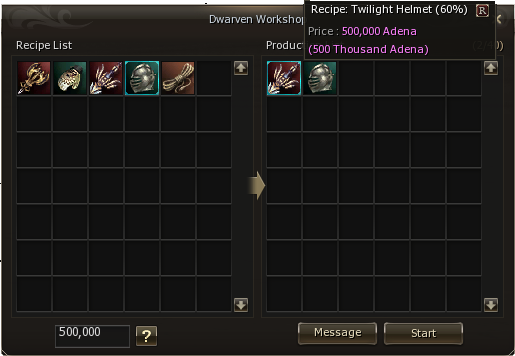
Raid Info - Instances
The World Map info will now show which bosses are located in each instance. Each of these bosses will be matched with the correct instance and will show a pin on the map for the entrance NPC.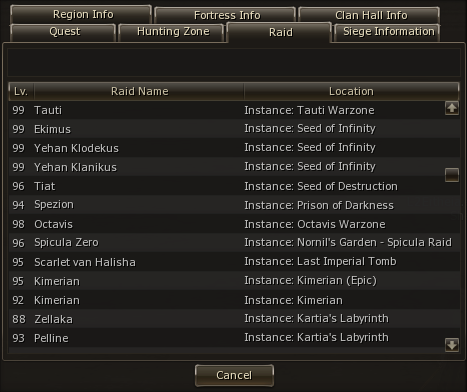
Ingame Drop Calculator
On our server, you can use the in-game droplist feature. You only need to click the bag icon in the target window to see advanced information about the NPC. This information matches the current rates of the server. You can also search for drop/spoil via the interface (ALT+X).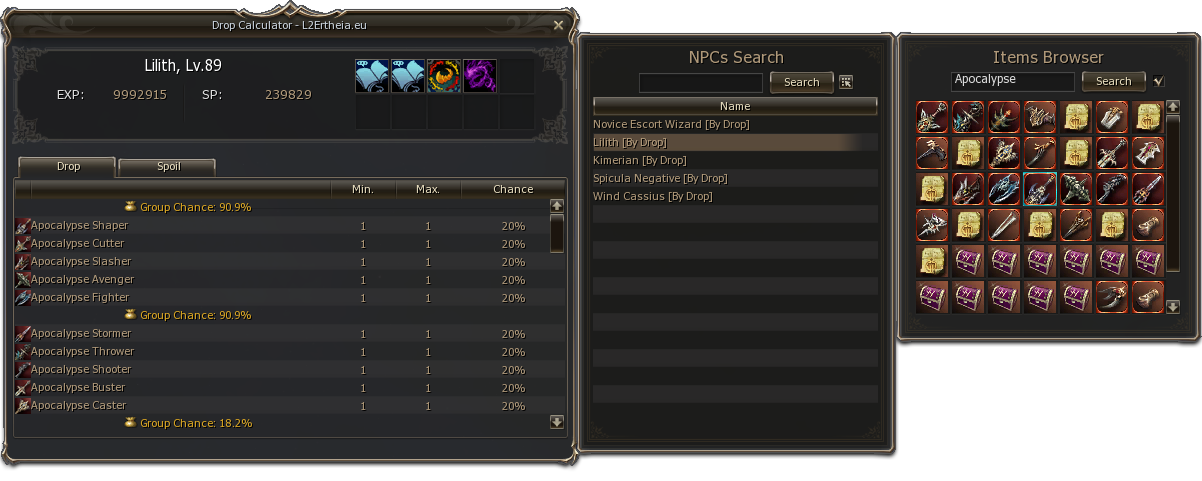
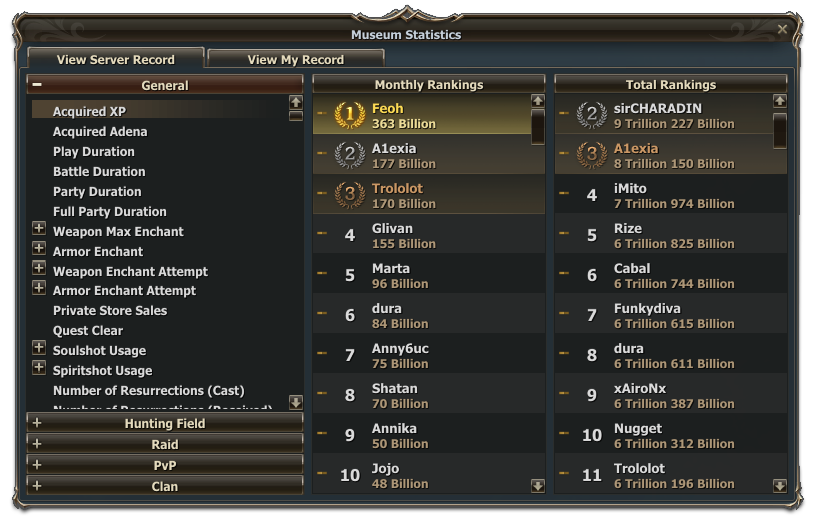
Museum Statistics
Would you like to know the best records of heroes on our server? Well, you have to meet Arwen in the Town of Aden, as she has access to all the important records from the Lineage 2 world.